Control plane URL
Move the console to your own domain with HTTPS.
By default the console is opened at http://<server-ip>:30300. The control
plane URL moves it to your own domain with an automatic Let's Encrypt
certificate.
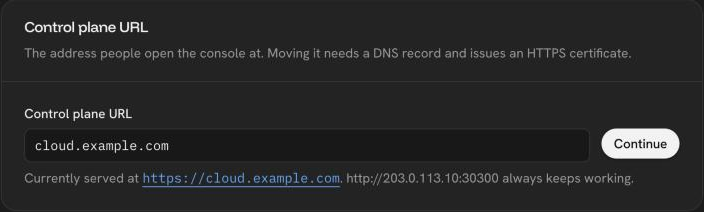
- Create a DNS
Arecord for the domain, for examplecloud.example.com, pointing to the server's public IPv4. The console shows the address it expects. - Open
80/tcpand443/tcpto the internet. Let's Encrypt validates the domain over HTTP on port 80, and the console is served on 443. - In Settings → System, enter the new URL, wait for the DNS check to pass and apply the change.
The console is then served at https://<domain> and the API at
https://<domain>/api. The old http://<server-ip>:30300 and :30080
addresses keep working as a fallback.
An HTTPS address is also what GitHub needs to send push events to the platform.
Was this page helpful?
Last updated on