GitHub integration
Connect GitHub to deploy repositories.
Settings → Integrations → GitHub connects GitHub through GitHub Apps that you own. Their keys are kept encrypted in the platform's database. Several Apps can coexist, for example one per organization.
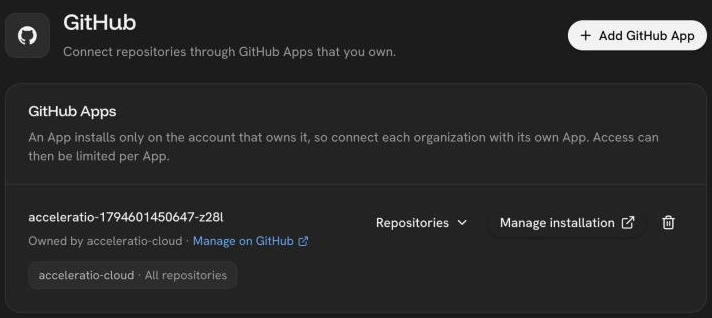
Create an App
- Choose Add GitHub App. The name is filled in for you and can be changed; GitHub App names are unique across all of GitHub.
- Enter an organization, or leave it empty to create the App on your own account. An App installs only on the account that owns it.
- Confirm the App on github.com. You come back to the console.
- Install the App on the repositories you want to deploy.
The App asks for read access to repository contents and metadata, and for push events.
Webhooks
GitHub delivers webhooks (pushes, uninstall and suspend events) only to an HTTPS address. Without a control plane URL the App is created with its webhook off, and services deploy only by hand.
Not supported
GitHub Enterprise Server, and entering an existing App's credentials by hand.
Was this page helpful?
Last updated on