Docker services
Run a container image.
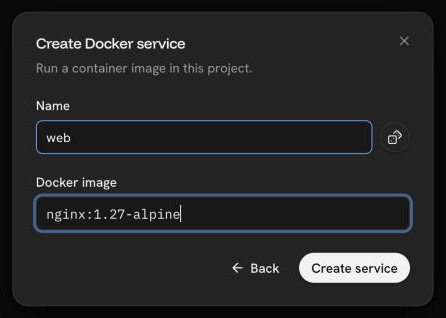
A Docker service runs a container image from any registry the servers can
reach. Create one with a name and an image, for example
nginx:latest.
Configuration
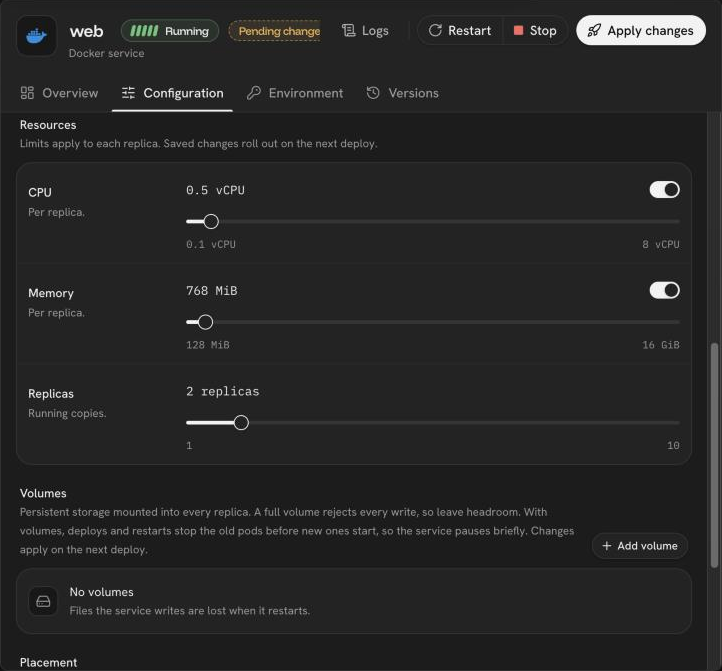
The service's Configuration tab holds its settings. Saved changes wait as a pending change until Apply changes.
| Setting | Meaning |
|---|---|
| Image | The image, with a tag or digest |
| Entrypoint | Replaces the image's ENTRYPOINT |
| Command | Replaces the image's CMD. Split like a shell line; quote arguments that contain spaces |
| Replicas | How many copies of the service run |
| CPU and memory | Limits per replica |
| Node selector | Run only on servers with these labels, one key=value per line. Labels are set on the Servers page |
Environment variables
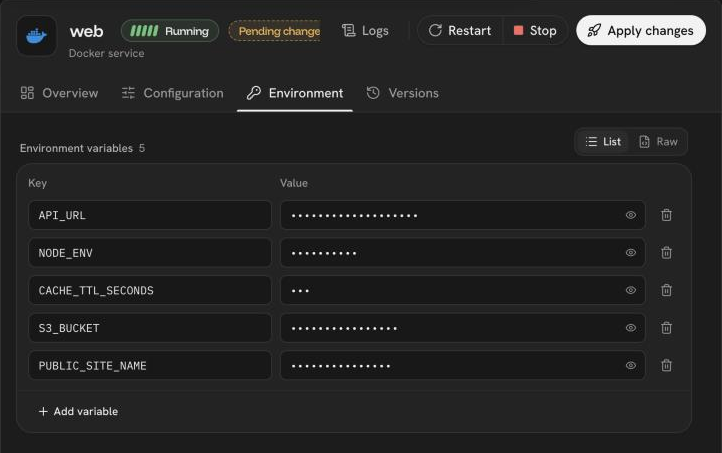
Edit variables in the List editor, one name and value per row, or paste a
whole .env file into the Raw editor (KEY=value per line; lines starting
with # are comments). Values stay hidden until you reveal them, and changes
are applied with the next deploy.
Volumes
Files a service writes are lost when it restarts, unless they are on a volume. A service can mount up to 10 volumes.
Domains and private name
Every service gets a generated HTTPS domain and can have custom domains. Other
services in the project reach it by its private name, <hostname>.internal.
See Domains and
Private network.
Terminal
Open a terminal into a running container from the service.
Was this page helpful?
Last updated on